Meet CasaDots
Your FinOps
teammates.
The shared workspace for your people and AI teammates.
Built to run FinOps together.
Your first three Dots, included free. More to come.

FinOps lead Dot
The big picture.
The right Dot for every task.
FinOps lead Dot brings payments, reconciliation and payouts into one clear update, delegates tasks to specialist Dots and keeps your human team in the loop.
 Maya · Finance
Can you get the team ready for month-end?
I’ll review payments and payouts. Billing Dot, prepare the landlord statements. Customer support Dot, pick up the tenant payment questions. I’ll bring the updates back to your team.
Billing Dot
Your month-end.
Handled.
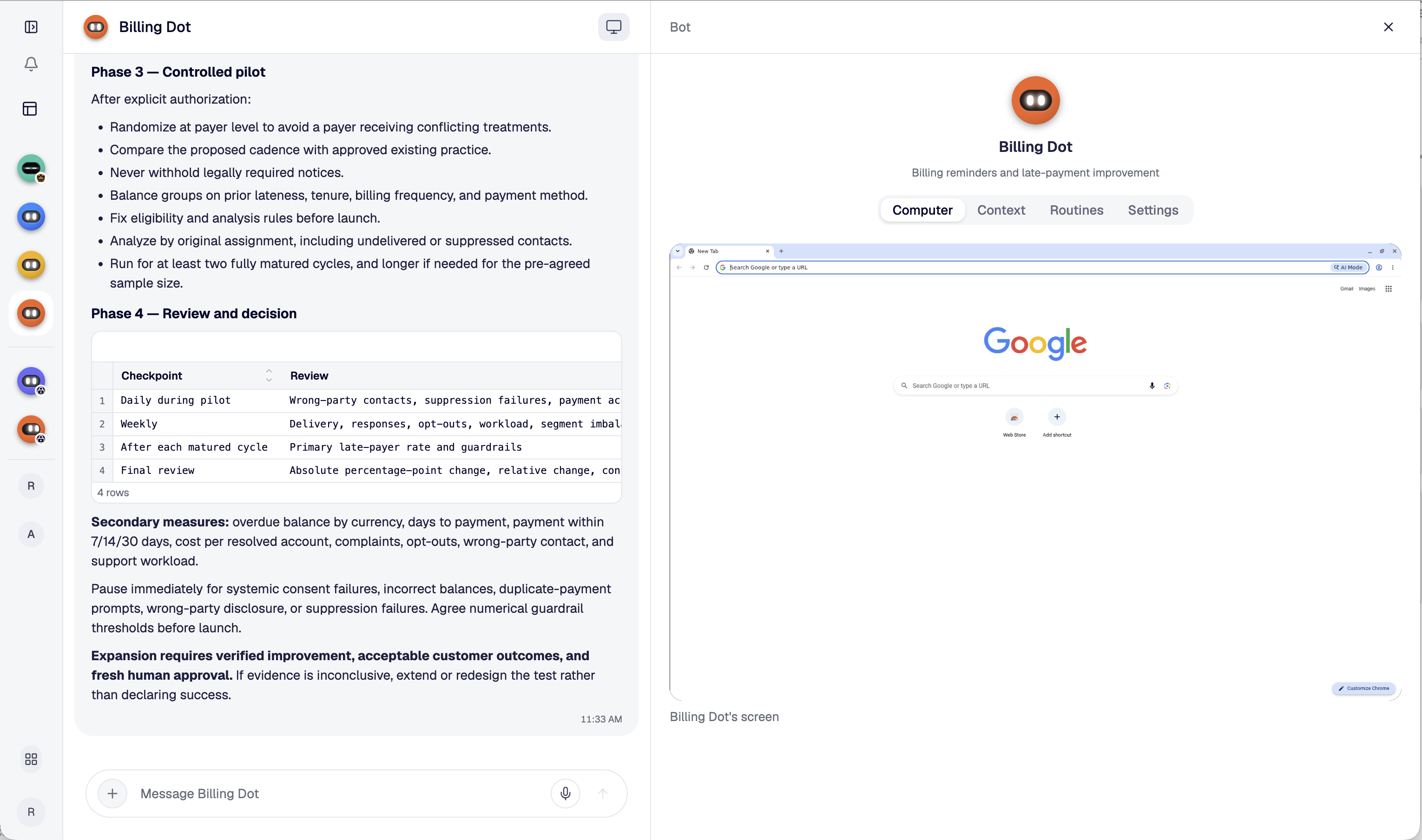
Rent, fees and expenses brought together into clear landlord statements. Billing Dot prepares the work. Your team reviews it.
Maya · FinanceCan you prepare October’s landlord statements?
On it. I’ll bring the rent, fees and expenses together for your review.
Customer support Dot
A tenant needs help.
Let me handle it.
From a missing receipt to a payment question, Customer support Dot helps tenants and keeps your whole team in the loop.
 Sam · Property team
Jamie just called. They can’t find their rent receipt.
Let me handle it. I’ll check the payment and prepare a WhatsApp reply.
A few things to know
Start with FinOps.
How is work organised?
Around specialist Dots, rather than threads and channels. Each Dot has a clear topic and responsibility. Your whole team works with that Dot, sharing context, contributing updates and reviewing the work together. It is a shared team relationship, not a private one-to-one chat.
What is included free?
Your first three FinOps teammates: FinOps lead Dot, Billing Dot and Customer support Dot. Free refers to the Dots; it does not imply that payment processing or other financial services have no fees.
Can I add other Dots?
Your first team includes FinOps lead, Billing and Customer support. More specialist Dots are to come; their availability and pricing will be confirmed separately.
Do I need to set up integrations?
No. Each Dot has its own computer and can access your tools through the accounts you give it access to. Start with the tools needed for its task and review its work with your team.
Does this preview connect to my tools?
This page shows a screenshot of the CasaDots product. The screenshot is not interactive; this landing page does not connect accounts, send invoices or initiate payments and payouts.
Can I activate my Dots here?
This is a first design preview. Account activation and tool connections are not available through this page.
CasaDots
Your FinOps teammates.
Part of your team.
Specialist Dots. Shared context. More power to your whole team.